Technical docs that stay consistent, structured, and publish-ready.
Draft from product sources with style-aware inline autocomplete for concise, technical writing, then run automatic review and advanced proofreading and apply Deep Edit and section-level updates only where documentation changed in a Word-like editor.
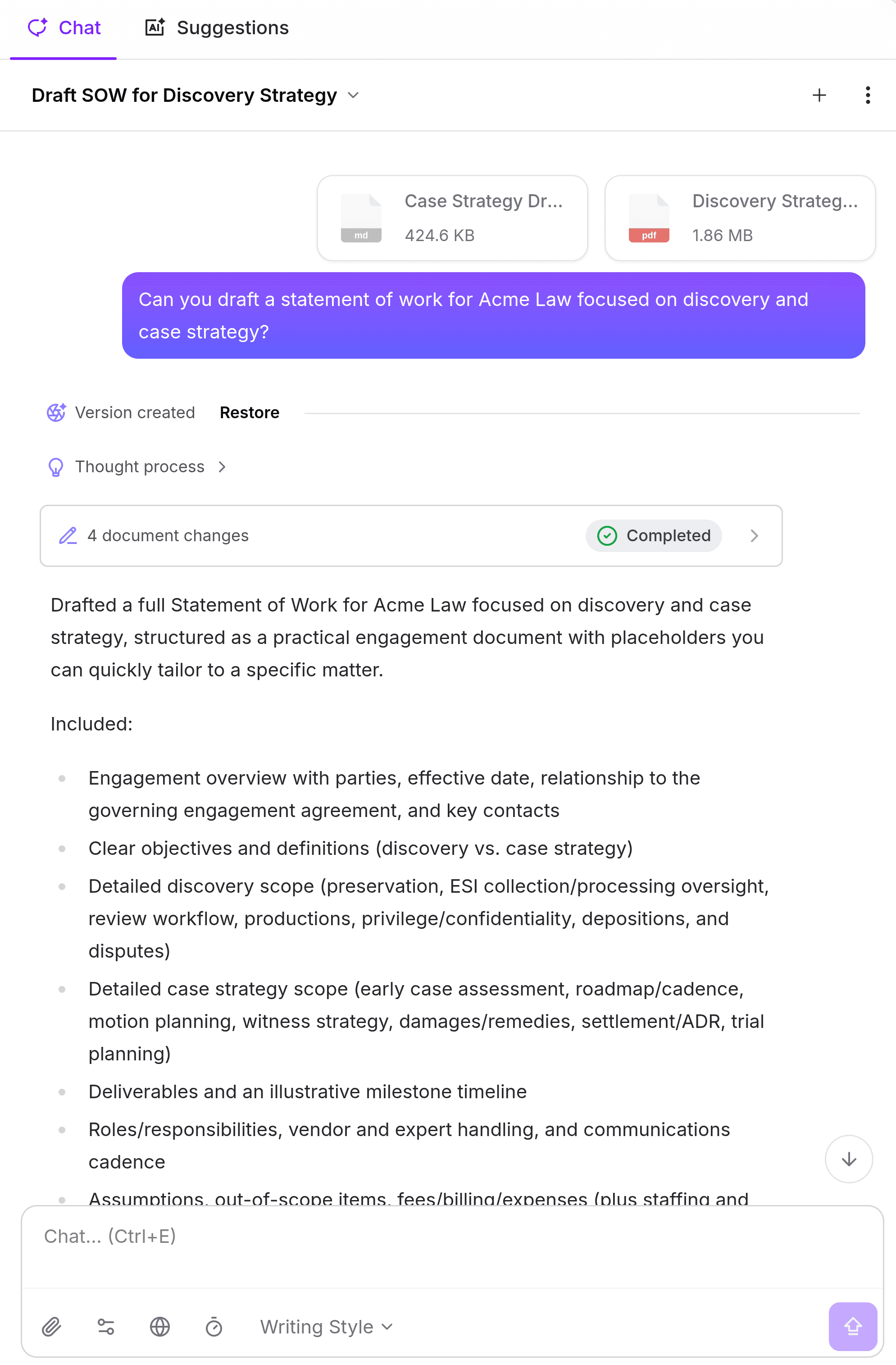
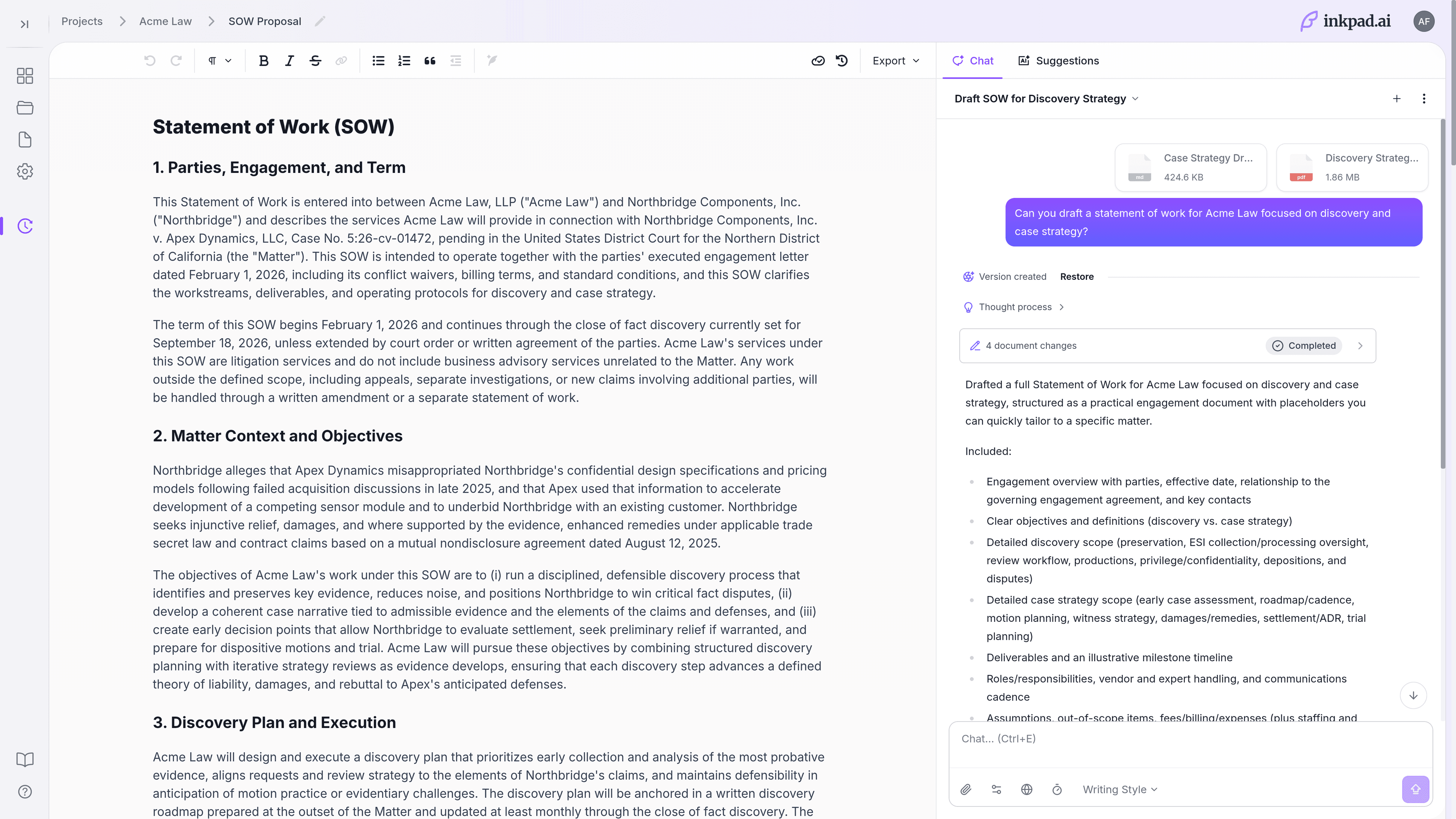
Fix the bottlenecks that slow technical documentation velocity.
Inkpad.ai gives technical writers, docs leads, developer advocates, PMs, and solutions engineers one workflow for source-backed drafting, controlled revisions, and publish-ready handoff.
Attach specs, changelogs, and internal URLs, then run web research with citations for external standards and references.
Use section-level edits and Deep Edit to revise affected passages without destabilizing approved implementation details.
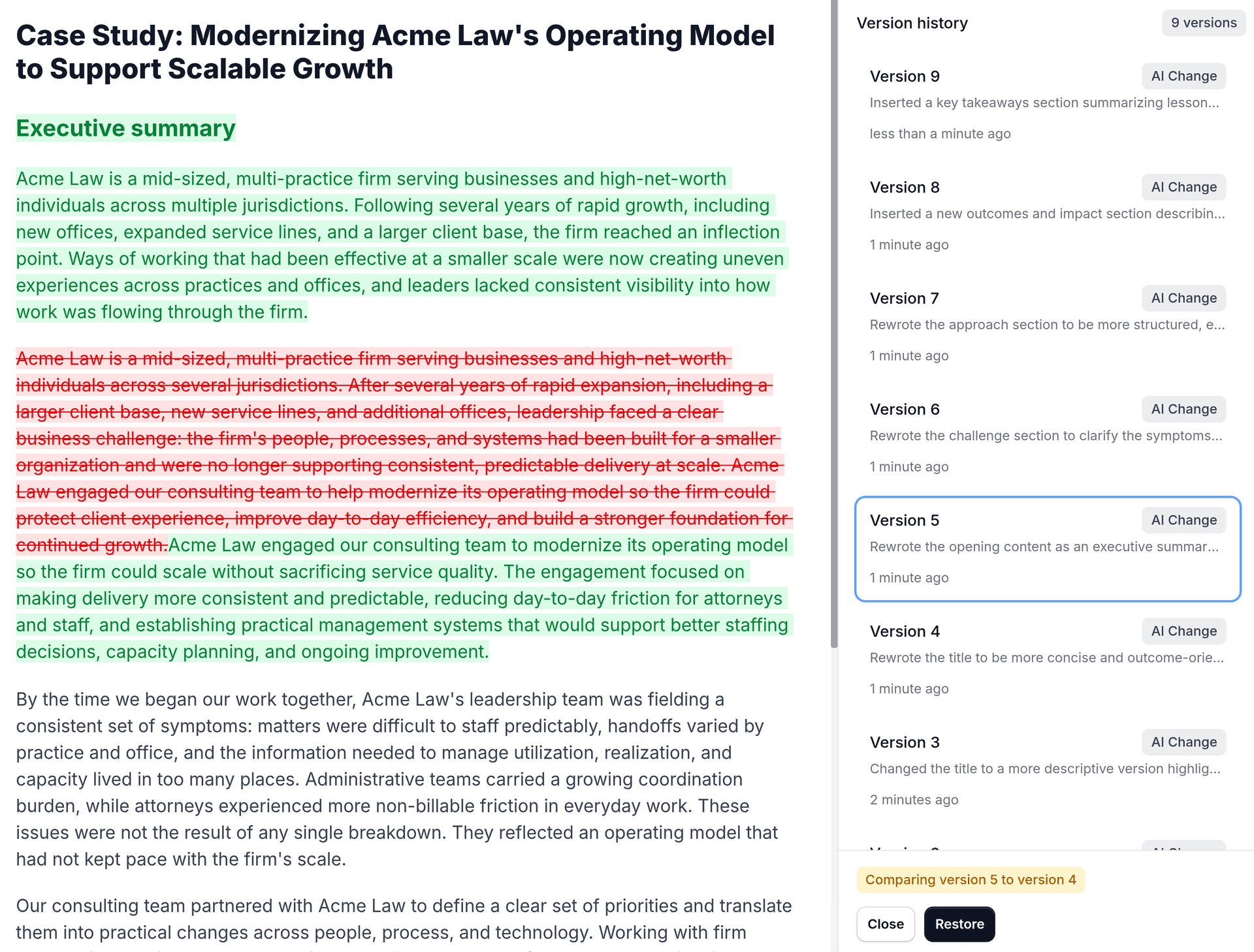
Run automatic review suggestions and advanced proofreading, then restore prior versions if release requirements shift late.
Solve the three issues behind stale or inconsistent docs.
Build a repeatable workflow for source-backed drafting, fast refactors, and quality-safe publishing.
1) Keep docs grounded in current product context
Attach specs, release notes, and internal links, then add web research with citations for external references and standards.
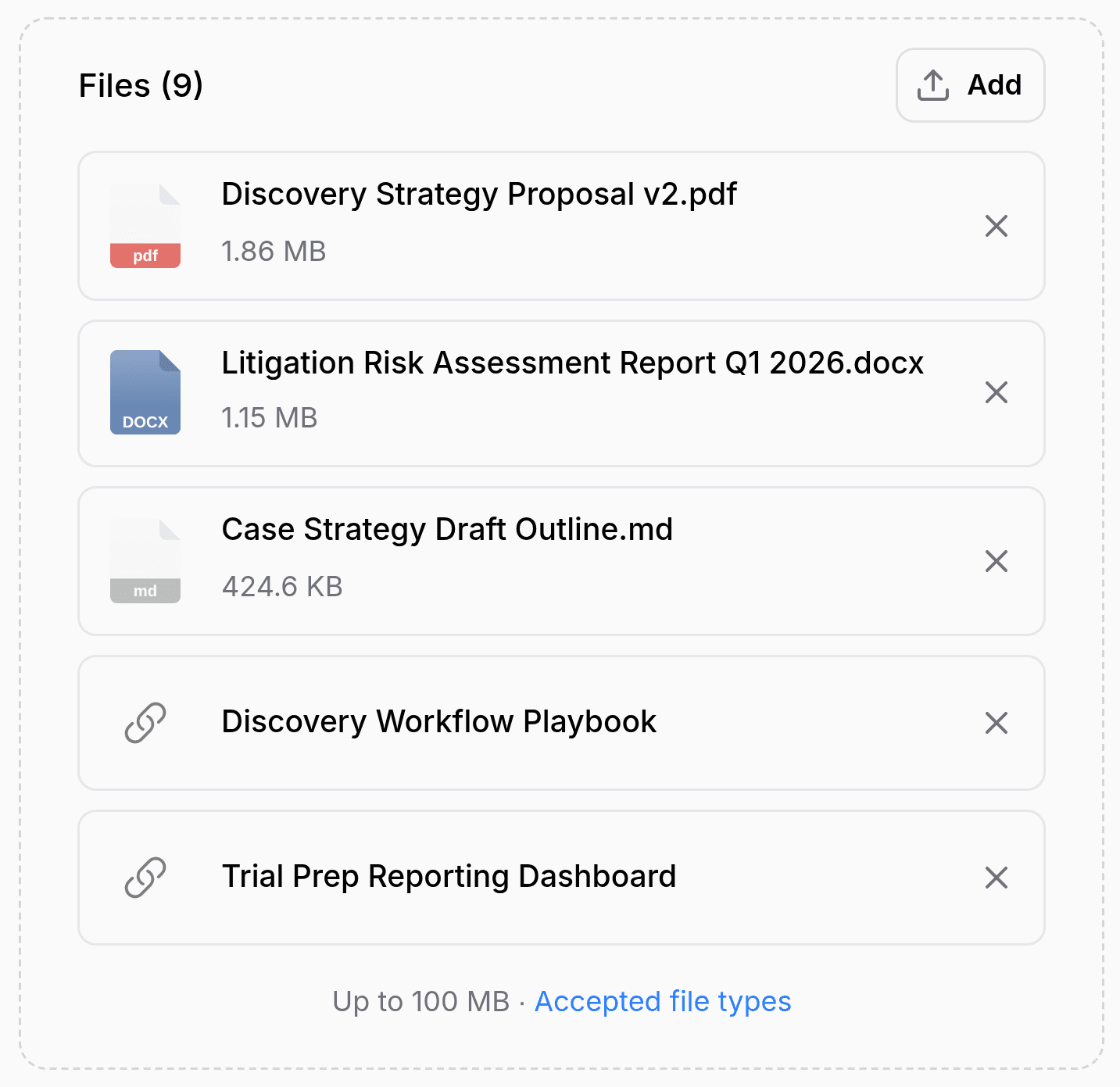
2) Draft and refactor faster with controlled edits
Use inline autocomplete for drafting flow, then apply range edits and Deep Edit on the exact sections that changed.
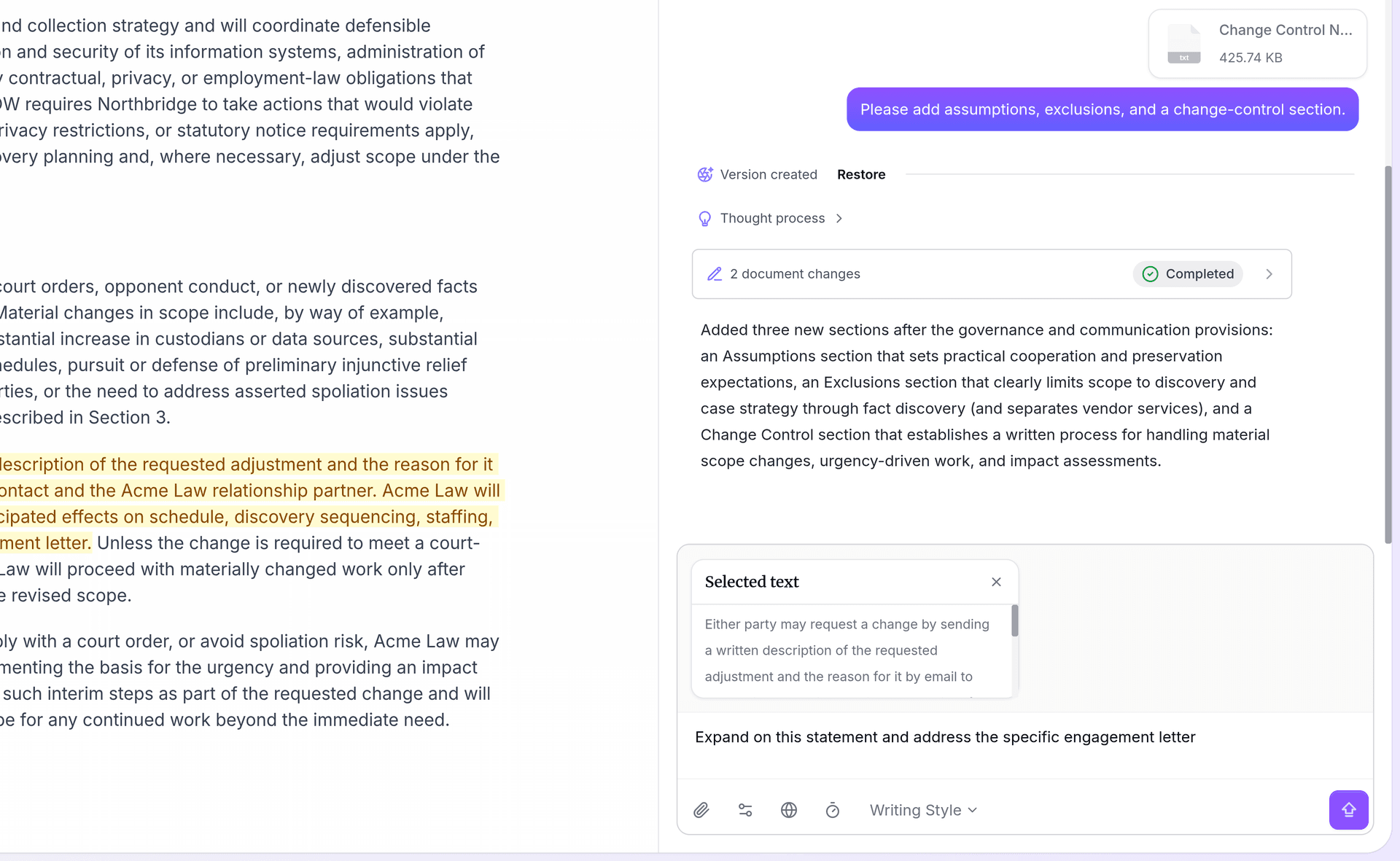
3) Catch quality issues before publish
Run automatic review and advanced proofreading, then compare revisions and restore checkpoints when release timing shifts.
Support every docs stakeholder in one review loop.
Keep technical writing, product, and go-to-market teams aligned from drafting through review, proofreading, and final handoff.
Technical writers
Draft and refine API tutorials with style-aware autocomplete while preserving structure and terminology consistency.
Docs leads
Review diffs quickly, enforce style consistency, and run proofreading checks before release freezes.
Developer advocates
Convert launch material into clear tutorials and setup guides that stay grounded in product context and source references.
PMs who own docs
Turn changelog details into accurate release notes and migration guidance without restarting documentation from scratch.
Solutions engineering
Build customer implementation guides from architecture notes, then update only sections affected by solution changes.
Draft, review, and hand off in formats your teams already use.
Keep quality high in a Word-like editor while matching Markdown-first publishing stacks and stakeholder review requirements.
Source-aware refactors for implementation documentation
Pair project knowledge with selective edits to update commands, prerequisites, and troubleshooting steps where behavior changed, then run review and proofreading before publish.
Export-Ready Handoff
Markdown: Docs repos, static site generators, and knowledge bases.
Microsoft Word: Cross-functional reviews and stakeholder collaboration.
PDF: Final approvals, archives, and customer handoffs.
OpenDocument: Compatibility for teams outside Microsoft workflows.
Markdown-first publishing with flexible handoff exports
Publish Markdown to docs sites and repos while exporting Word, PDF, or OpenDocument for legal, partner, and executive review workflows.
Common questions from technical documentation teams
Ship docs that stay consistent and publish-ready.
Start with style guides, product references, and release artifacts, then move from first draft to clean export in one editor.