On-brand client drafts with faster revisions and fewer rewrites.
Use voice profiles, style customization, and inline autocomplete to keep drafts aligned to each client brand and source material, then run automatic review and advanced proofreading and apply Deep Edit and section-level revisions only where feedback lands in a Word-like editor.
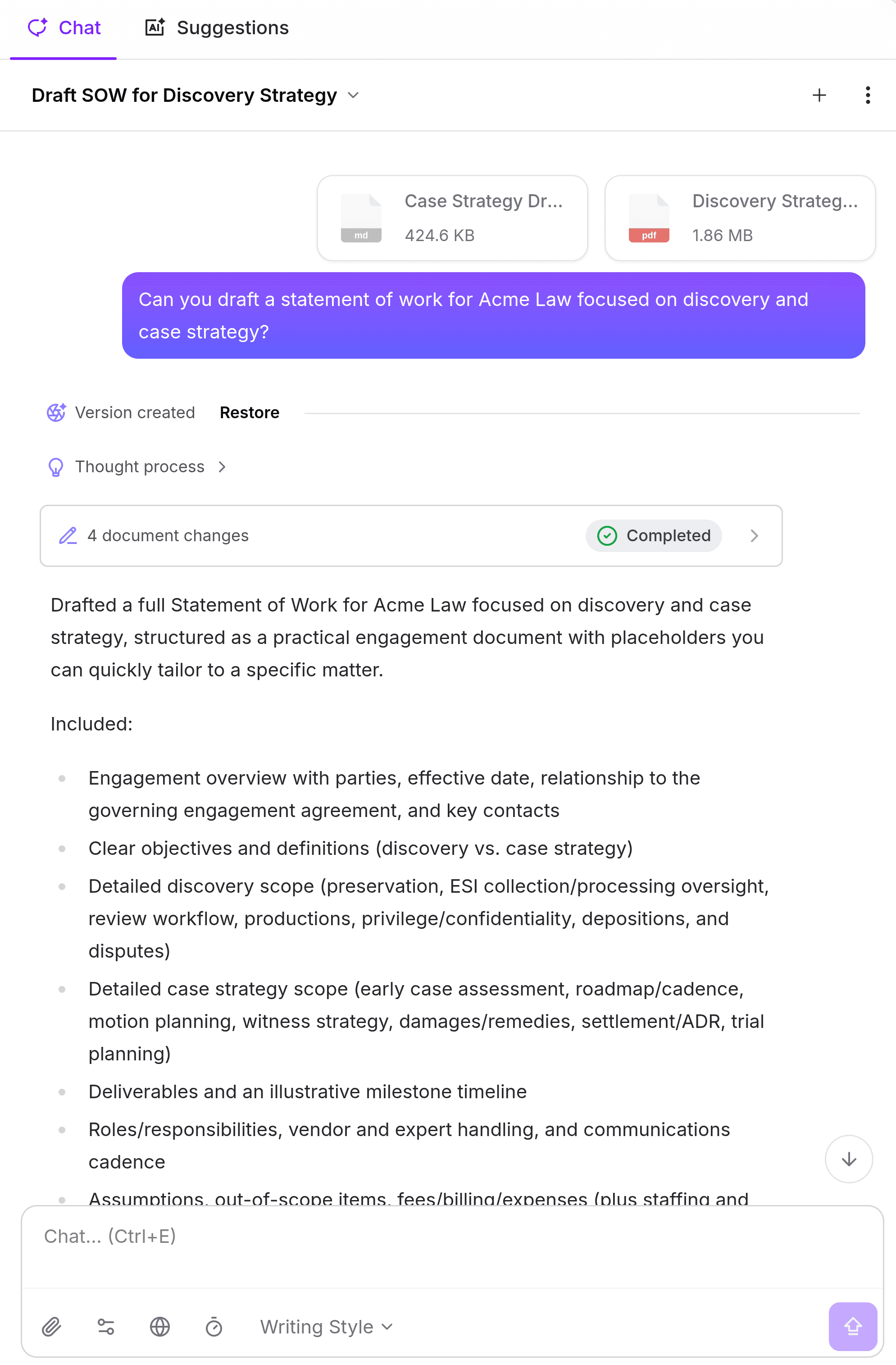
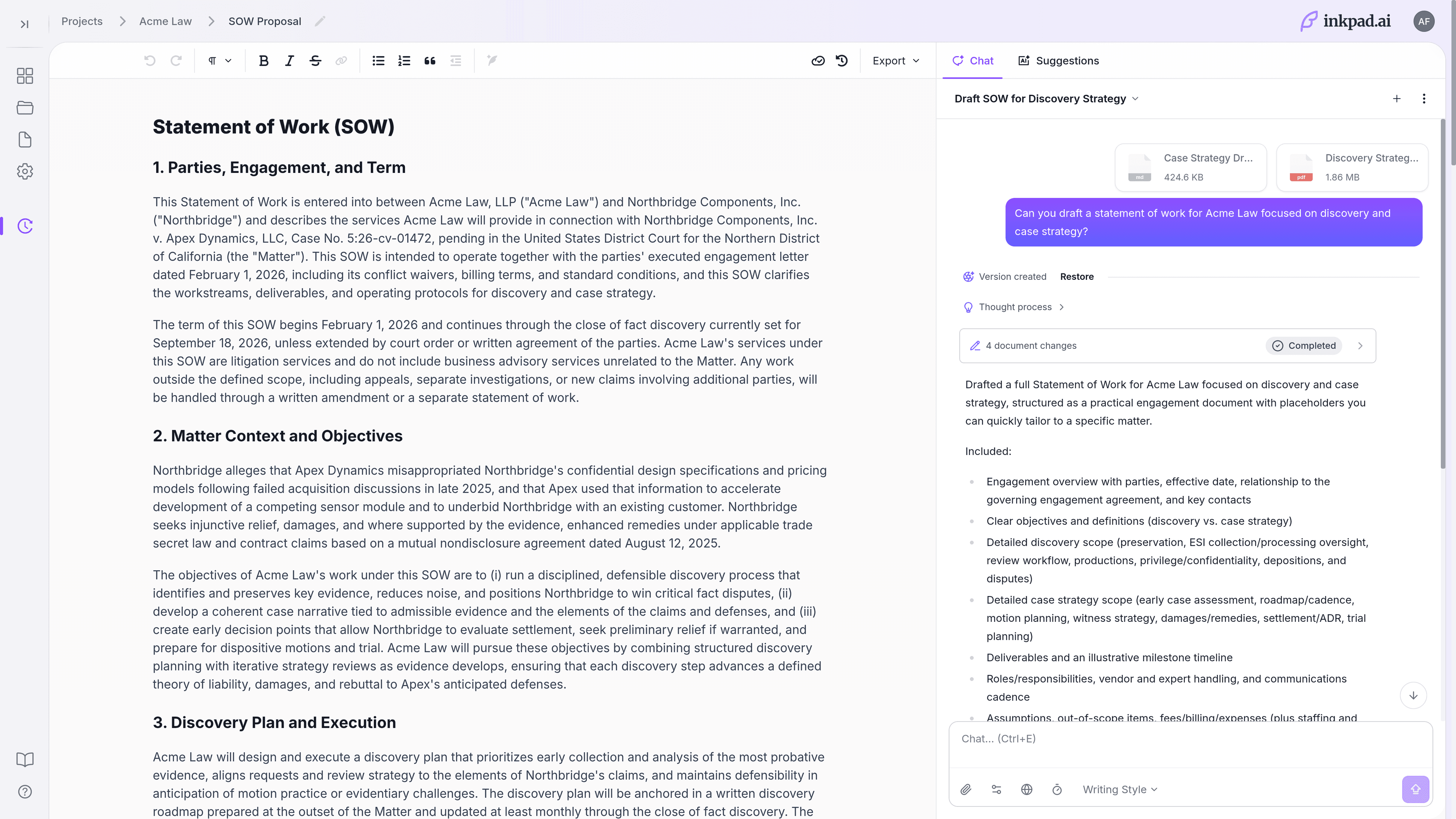
Fix the bottlenecks that slow long-form B2B content production.
Inkpad.ai gives content managers, product marketers, and agency writers one workflow for source-backed on-brand drafting, controlled revisions, and cleaner approvals.
Use voice profiles, style controls, and inline autocomplete so first drafts sound like the client before review begins.
Apply range edits and Deep Edit only to reviewed sections instead of regenerating entire documents.
Run automatic review suggestions plus advanced proofreading before client delivery, with version history as backup.
Three workflows that keep client content on-brand and reviewable.
Build a repeatable long-form process that protects voice, quality, and deadline predictability.
1) Draft in each client voice, in flow
Bring messaging docs, style guides, and top-performing assets into project knowledge so inline autocomplete stays aligned to each brand voice.
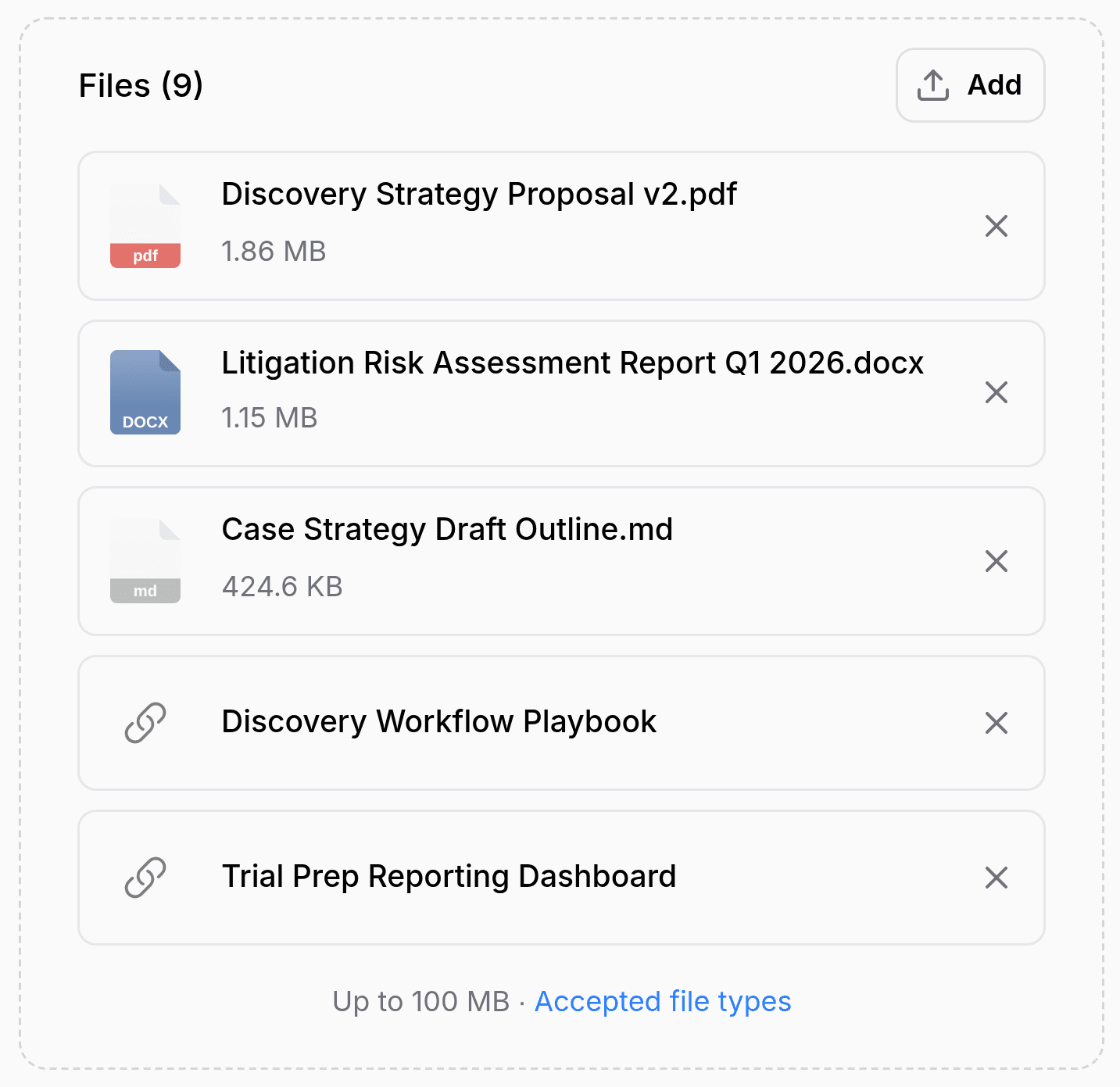
2) Run review and proofreading before client handoff
Use automatic review suggestions and advanced proofreading to catch clarity, consistency, and tone issues before feedback rounds begin.
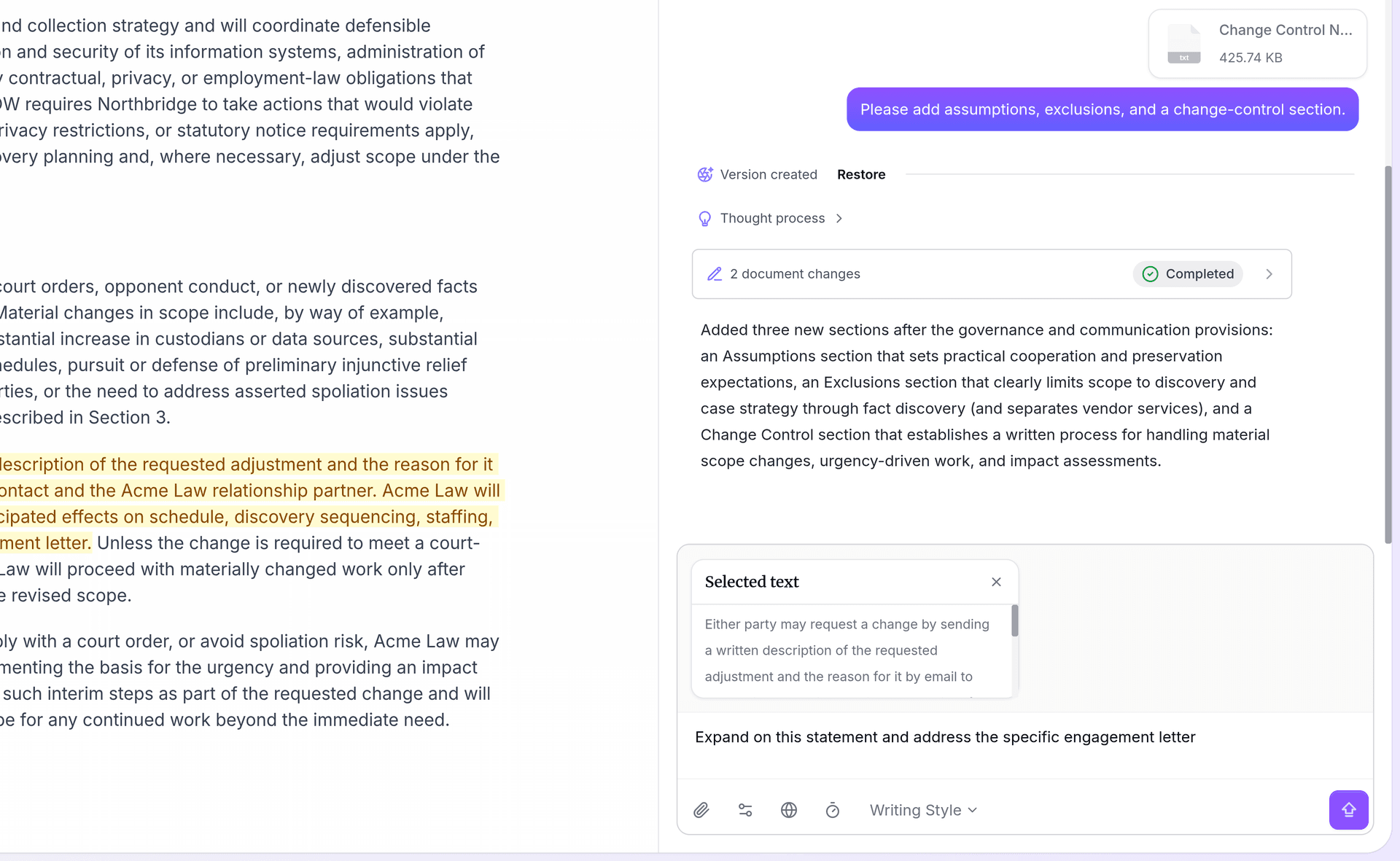
3) Apply Deep Edit where feedback lands
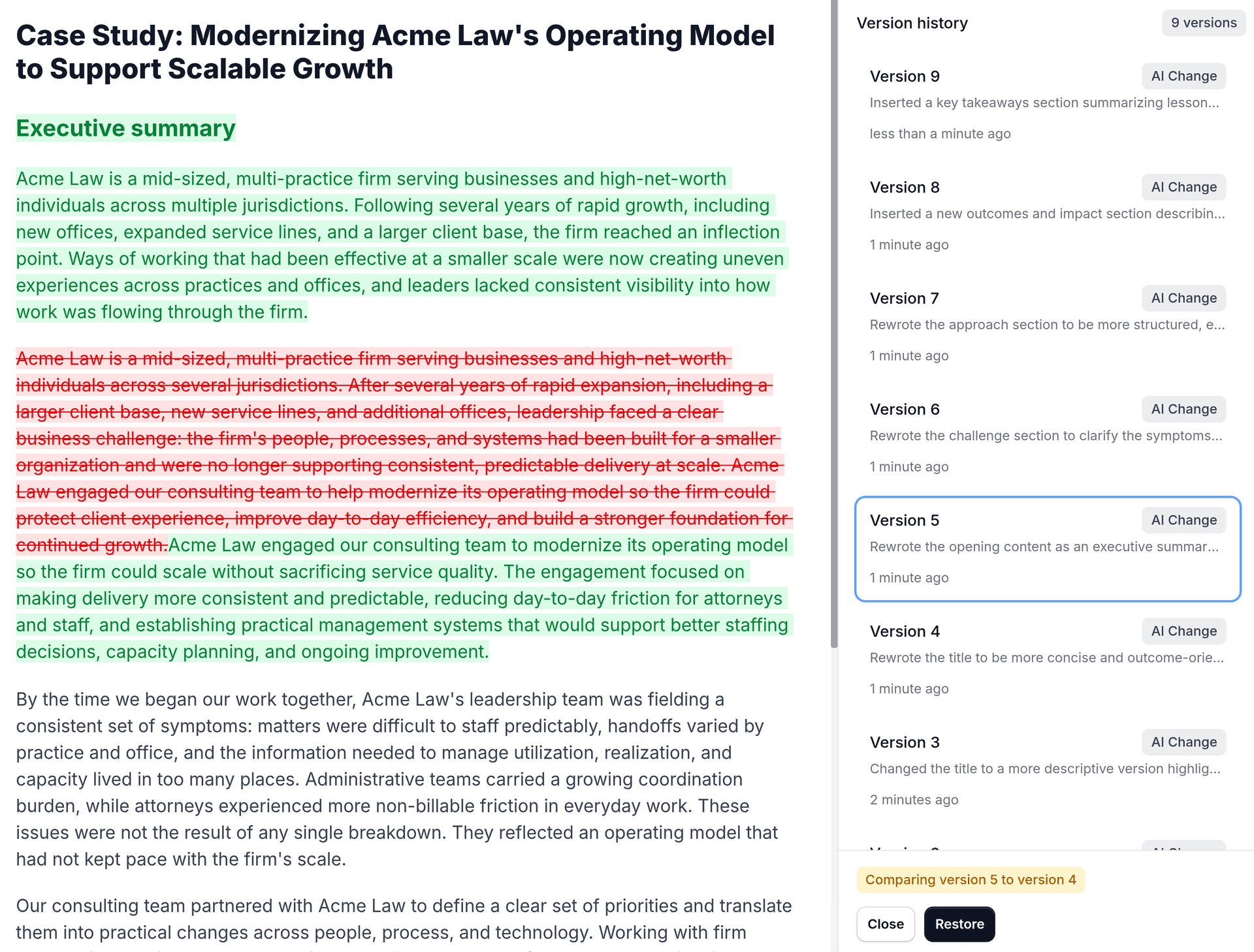
Apply range edits or Deep Edit to selected passages, then use version history to restore the strongest draft when review threads conflict.
One writing system for every long-form contributor.
Give content leaders, product marketers, and agency writers a shared process for faster drafting, controlled revisions, and cleaner approvals.
Content managers and heads of content
Enforce tone and style constraints across contributors, then run review suggestions before editorial sign-off.
Product marketers
Turn positioning docs, launch briefs, and customer insights into clear narratives with source-backed claims and consistent brand voice.
Agency writers and strategists
Reuse approved client materials to draft faster, then use Deep Edit and range edits for high-stakes revisions.
Use Inkpad.ai across the full B2B content lifecycle.
From strategy docs to publish-ready assets, keep context, quality, and revision control in one workflow.
Draft thought leadership, SEO pages, and case studies from brand-approved positioning and reference content with voice-consistent autocomplete.
Pain solved: inconsistent voice across authors.
Build first drafts from client briefs and prior work, then use section-level edits and Deep Edit through review rounds.
Pain solved: slow turnaround on long-form deliverables.
Transform one core asset into derivative formats while keeping the original narrative and key claims intact with review and proofreading checks.
Pain solved: repetitive rewriting across channels.
Coordinate PMM, content, and agency contributors on launch narratives with tracked revisions, controlled updates, and citation-backed claims.
Pain solved: review chaos near deadlines.
Common questions from B2B content teams and agencies
Ship client-ready drafts with fewer review cycles.
Start with messaging docs, style guides, and reference assets, then move from first draft to clean handoff in one editor.